What it does
A reader for people who read at night, for hours.
Narrower than a general-purpose document viewer, on purpose. Everything here exists because of something that happens on the fourth hour of reading, not the first minute.
Three modes, one shortcut
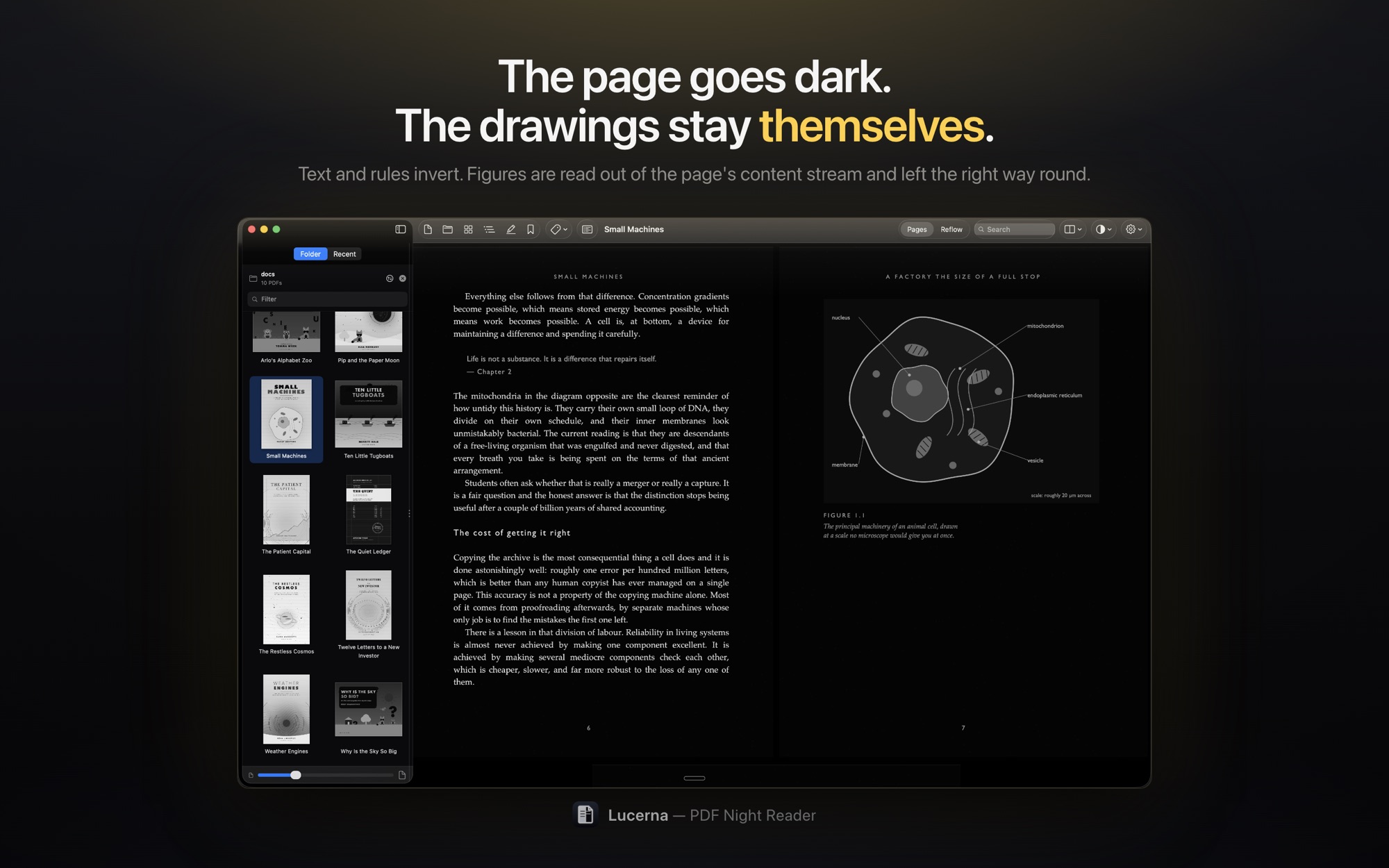
Black & White drains the colour from everything left — the quietest a page can be. Colour on Dark keeps it. Sepia gives back warm paper and quiet type. ⌘B moves between them.
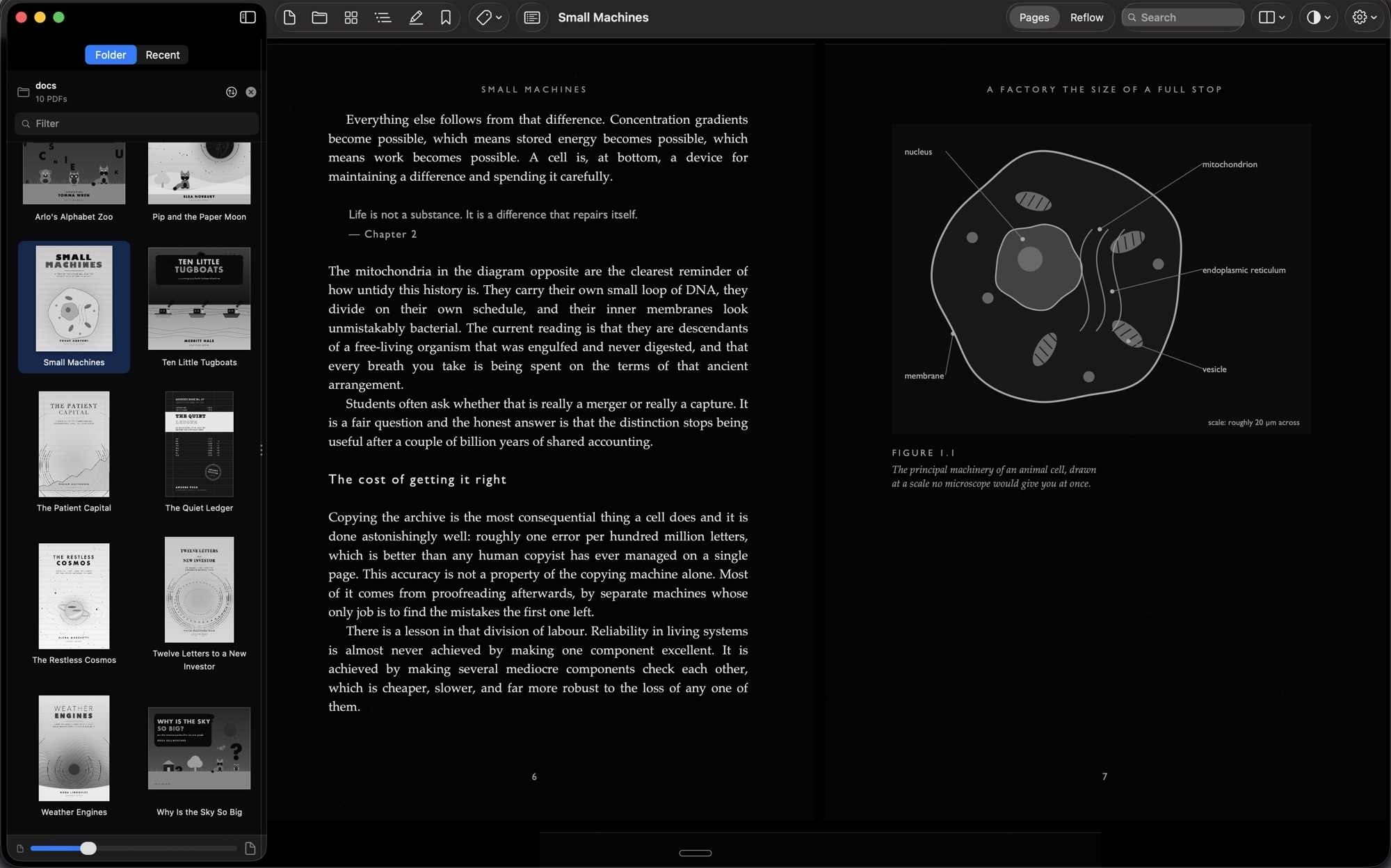
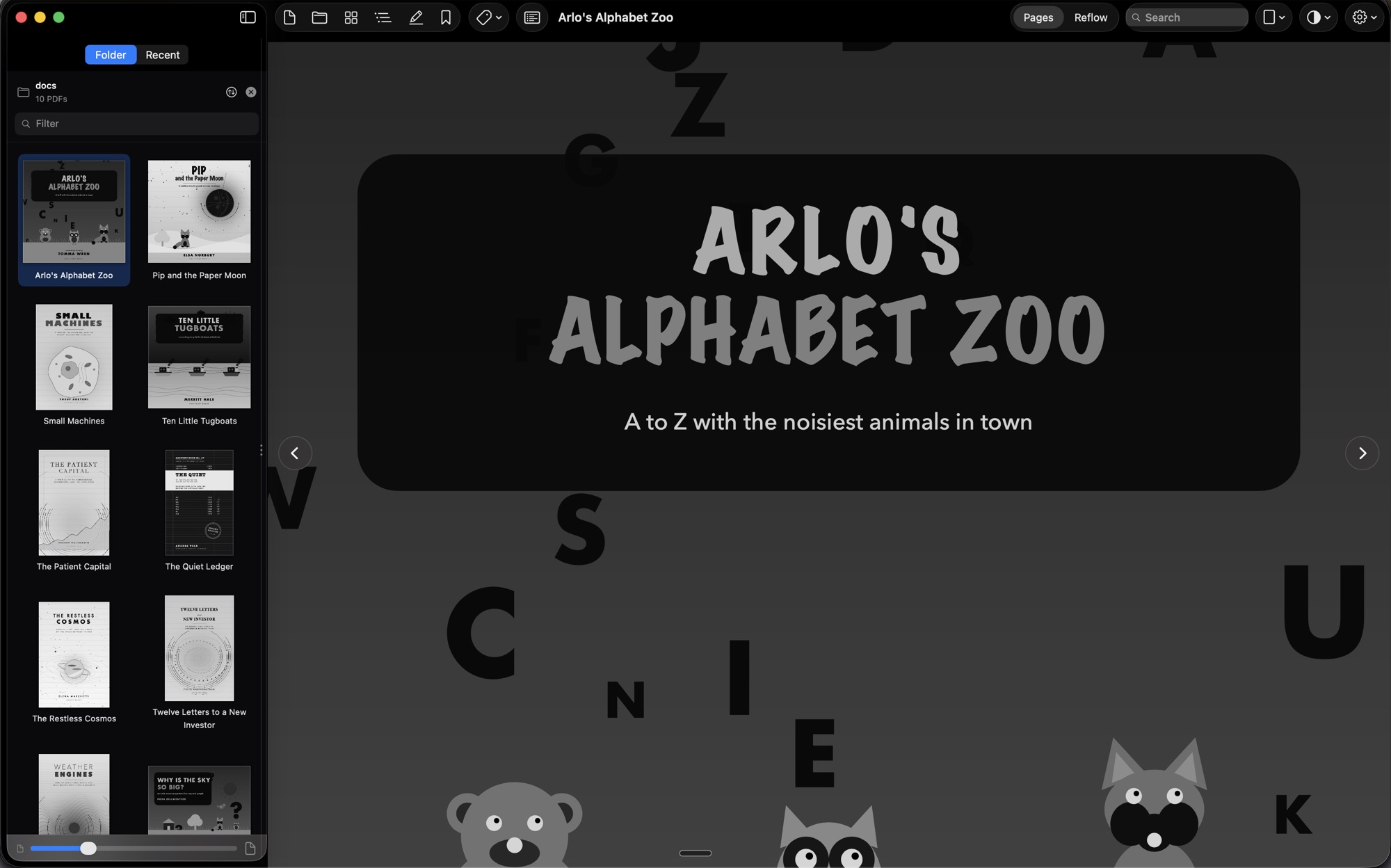
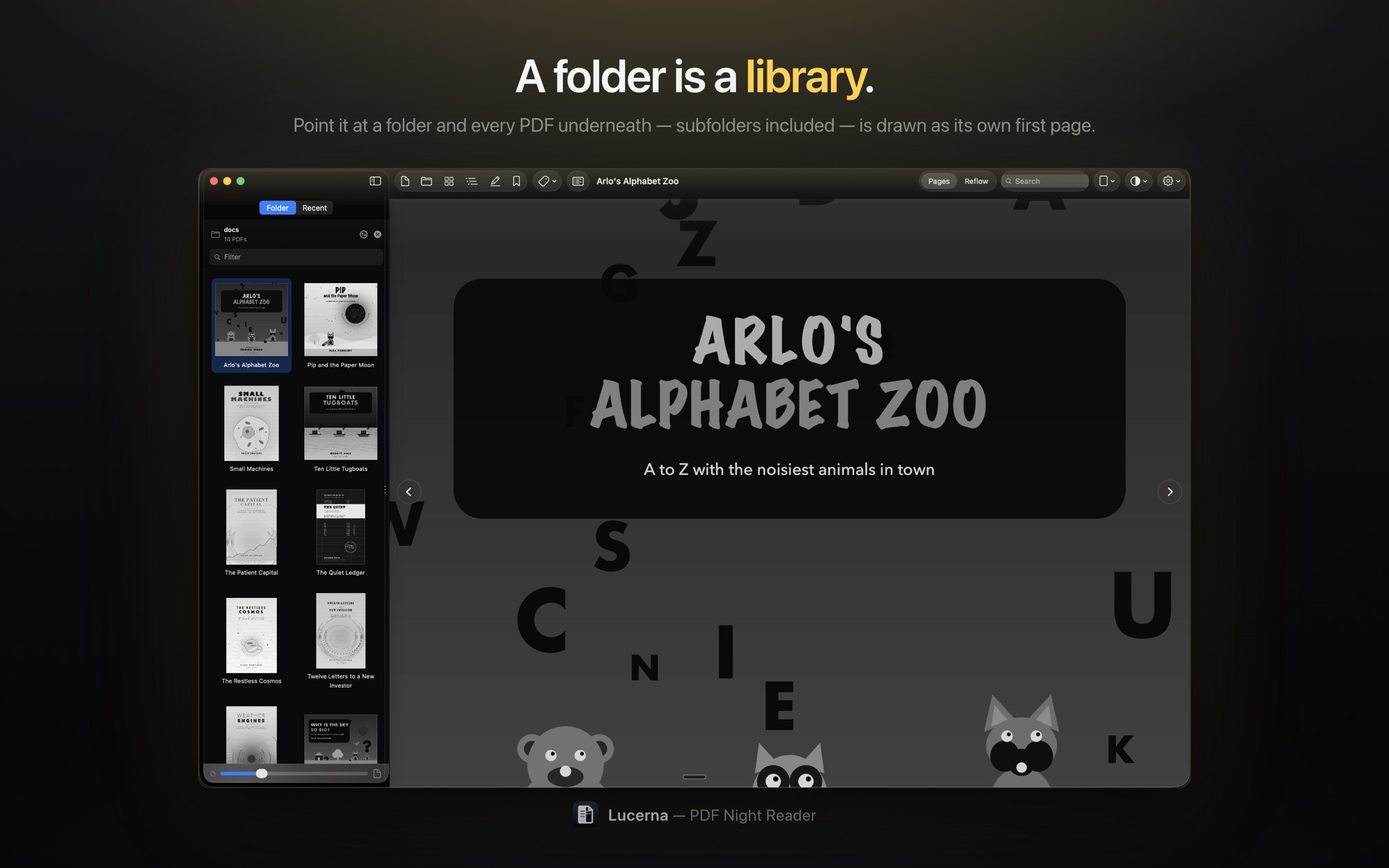
A folder is a library
Point Lucerna at a folder and it finds every PDF underneath it, subfolders included, each drawn as its own first page. Sorting works the way the Finder's does.
It remembers where you were
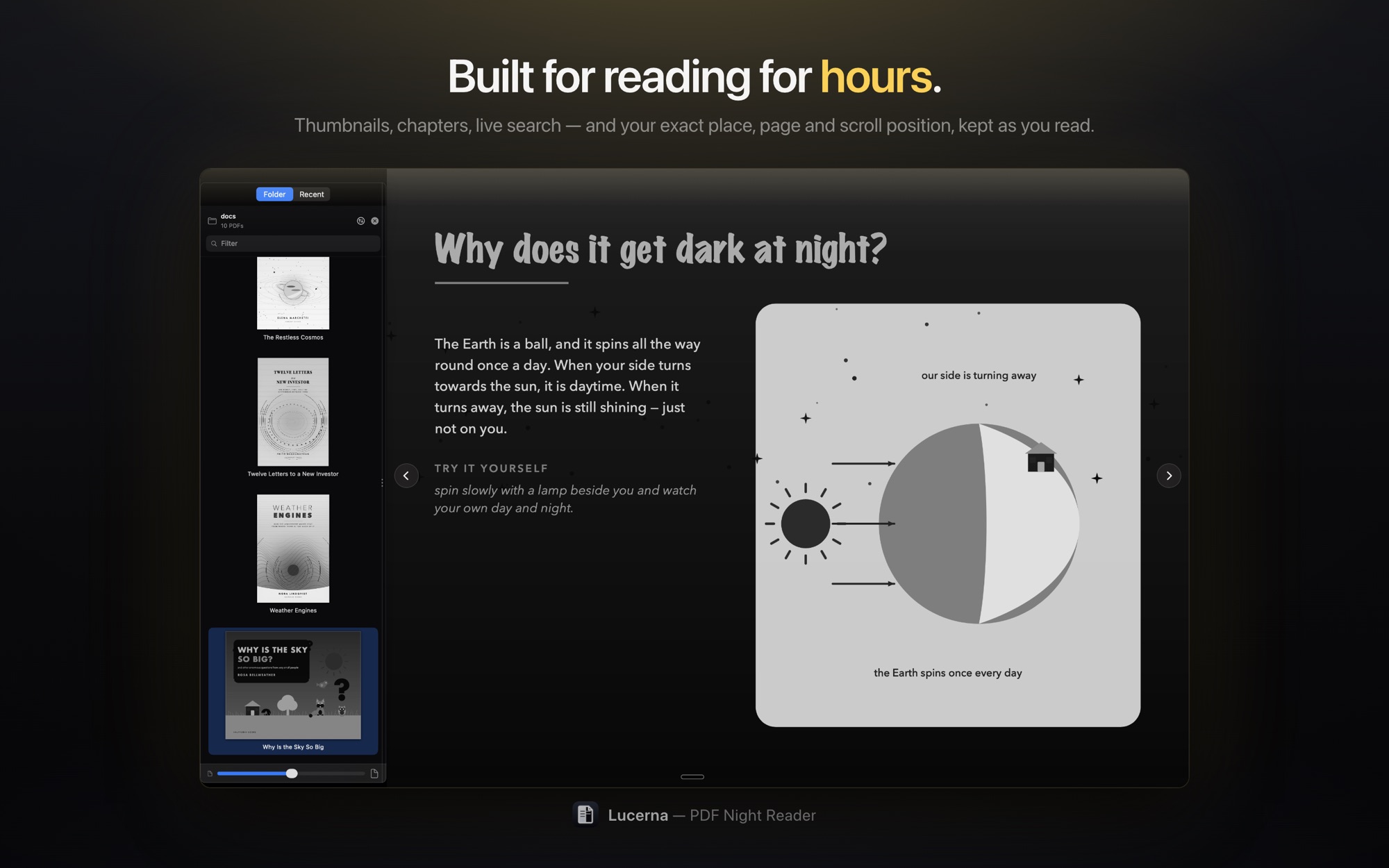
Rotation, zoom, layout, and your exact place — page and scroll position — kept per document. Written as you read, so a force quit costs you nothing.
Bookmarks, and marks
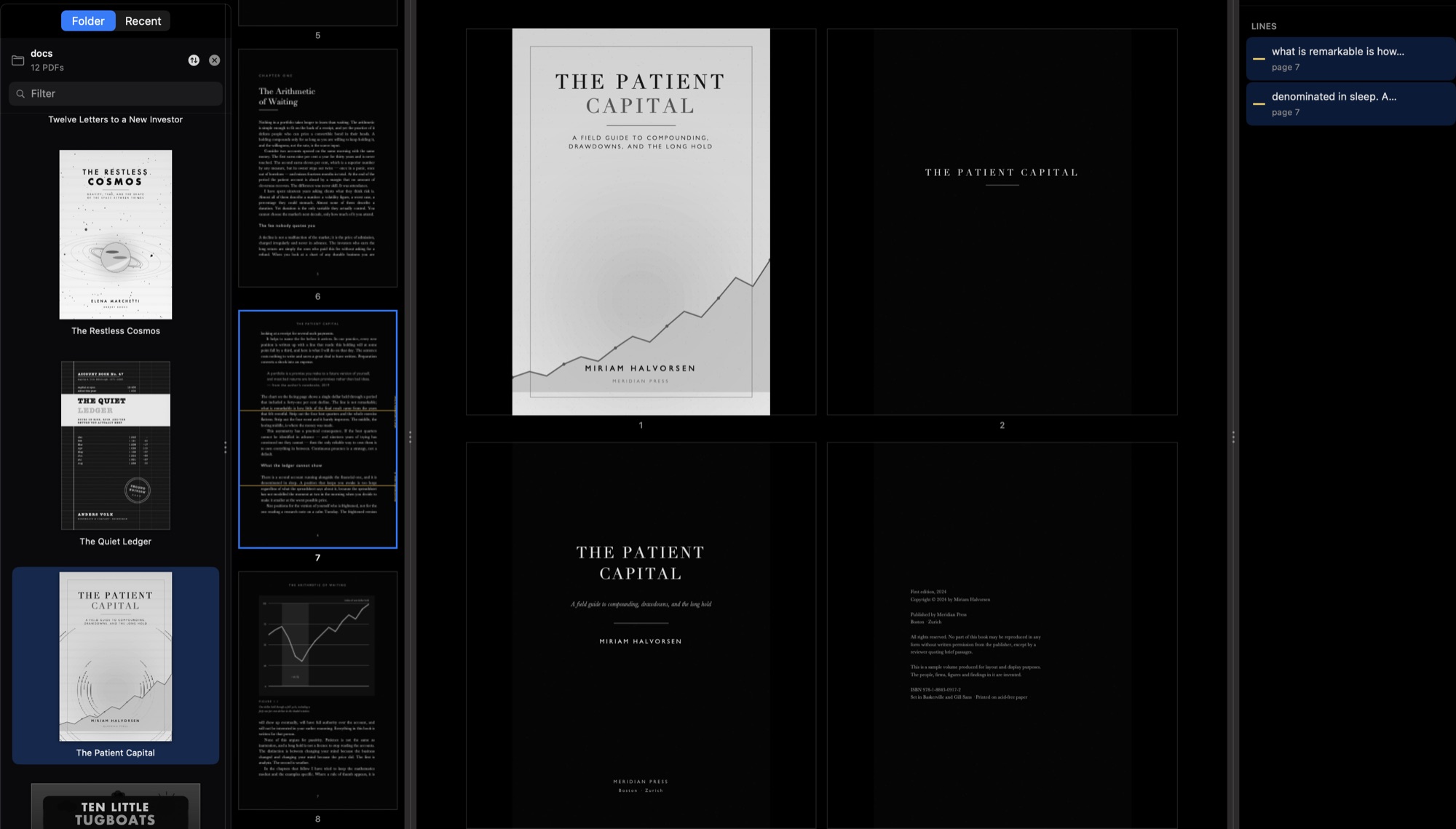
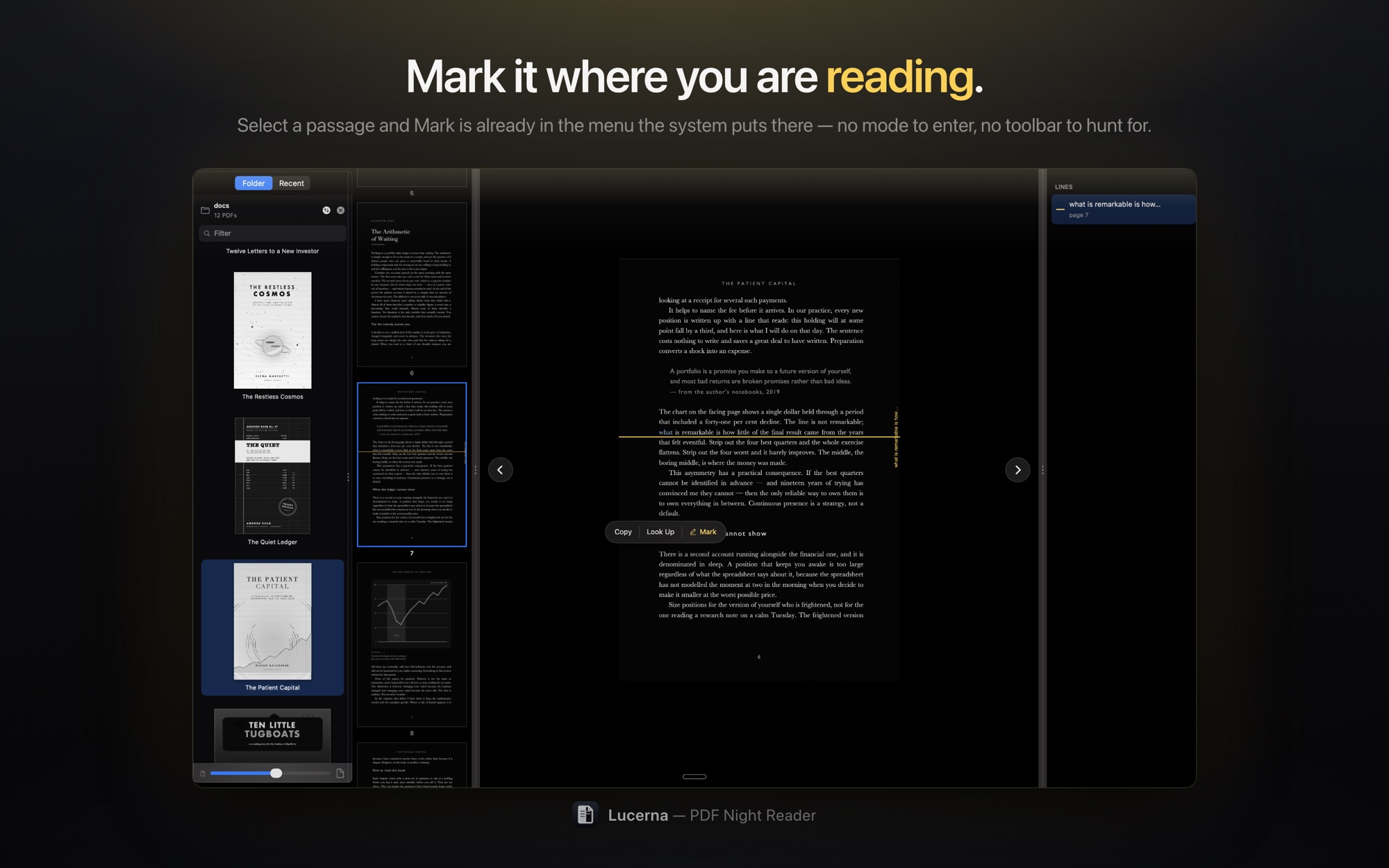
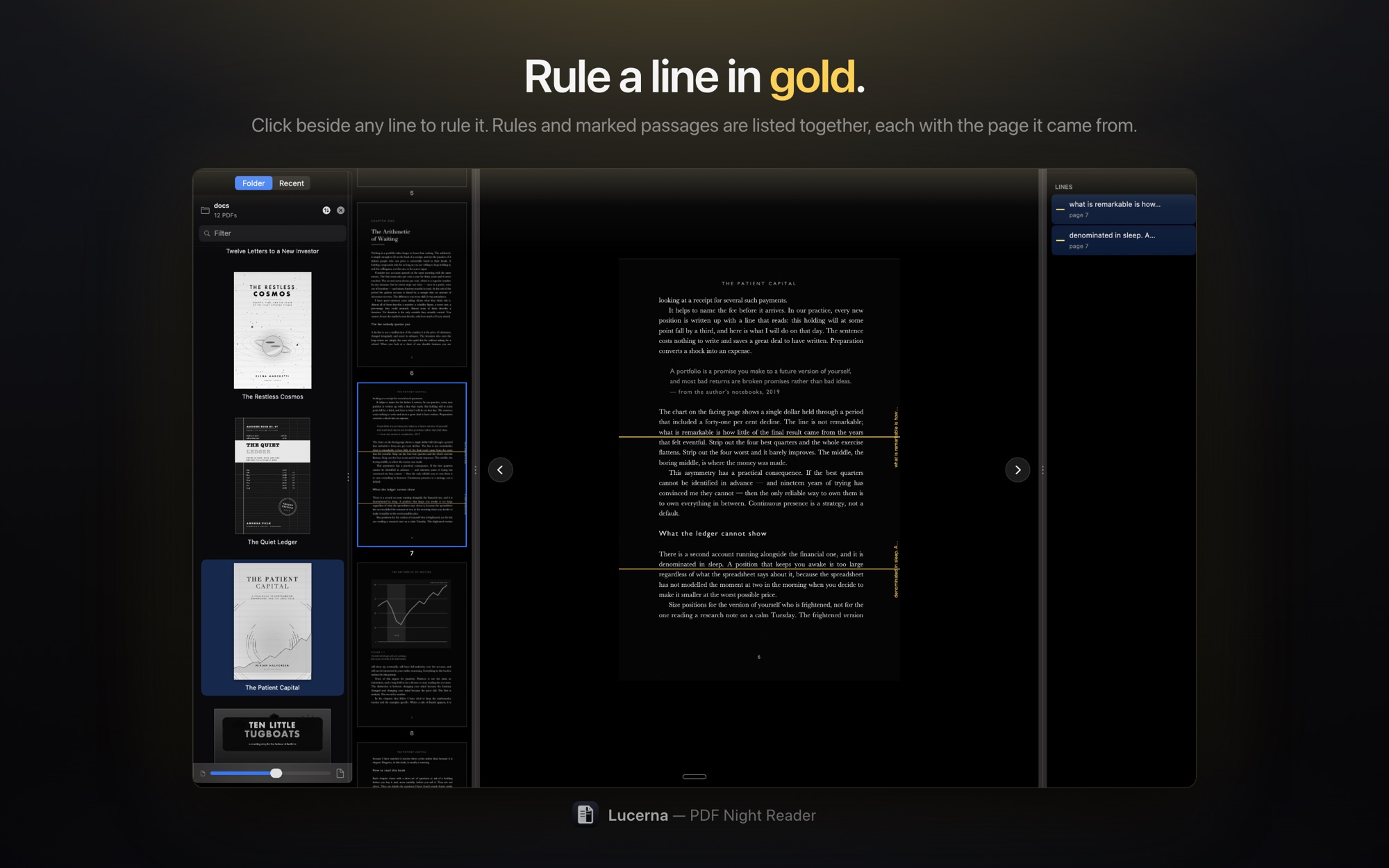
⌘D keeps the whole page. ⇧⌘M marks the sentence you selected. They are different things and Lucerna keeps them apart, in a panel that lists both.
Stuck pages
Pin a contents page, a table or a plate to the head of the thumbnail strip, where it stays however far into the book you scroll. ⇧⌘T.
Pages, arranged
One page, two, two with the title standing alone, three across, or a grid of eight. Fit width, fit height, or a zoom of your own — and arrow keys that move by whatever is on screen.
Reflow, on iPhone and iPad
Real paragraphs rebuilt from the text layer: hyphenated words rejoined, paragraphs carried across page breaks, running headers dropped, type sized between 12 and 44 pt by pinching.
Handoff
Start a book on the Mac and the phone offers it at the same page. For documents kept in iCloud Drive, reading positions and bookmarks follow you too.
New files, noticed
Drop a document into a folder Lucerna is showing and it appears — no re-scan, no reopening anything.
On screen
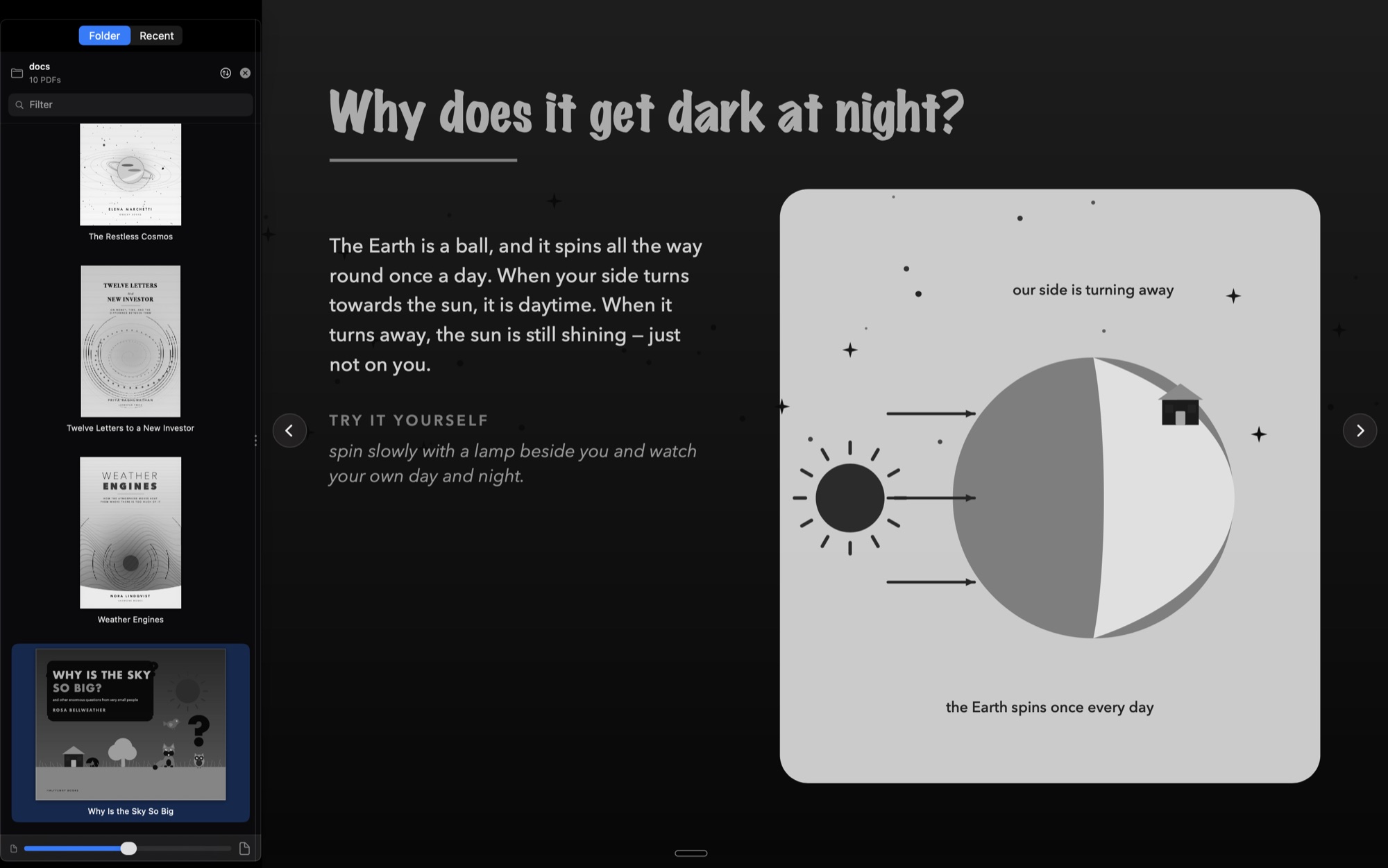
A Mac window, a library, and a page.
Separate windows for the library and for each document — not tabs — and all of them come back where they were the next time you open the app.
In the store
What the listing shows.
The five pictures on the Mac App Store page, exactly as they appear there — the reader doing the five things it was built to do. The iPhone and iPad version is on its way, and one purchase will cover all three.
Why it exists
I wrote it for the way I read.
This is not here to replace the PDF readers that already do their job well. There are several, they are good, and most of them are trying to serve everybody. Lucerna came out of something narrower: my own scientific background, and a habit I picked up at university and never lost.
What I always needed was a way to glance at a PDF fast — to see what is in a paper before deciding whether it deserves an hour — and then a way to actually read, at night, for a long time, without the page burning a hole in the dark. Everything in the app is shaped around those two things and the four motions between them: see the library, add to it, read, switch to the next one — without losing where you were in the last.
It is an Apple-only app, and that belongs to the same story. Apple is a campus company. In the United States you feel it — in the lecture halls, in the libraries, in what people carry into a seminar. From outside the country you half believe it; you only really know it once you have lived there. The reading I am describing happens on those machines, so that is where the app lives.
That is the whole of it. A working method from the lab and the reading room, made into a tool I use every day. It is a scientific approach by origin, but nothing in it is only for academics: if you read at night, it is the same app.
— Alex
Paying for it
One payment. Not a subscription.
This app opens a file and darkens it. There is no server behind it, nothing that costs money to keep running, and so nothing honest to charge rent for.
Free for fourteen days
Whole and unhindered: no nag, no watermark, no page limit. After that, one payment unlocks reading for good.
- Bought once for the Mac — and for the iPhone and iPad when they arrive
- A lifetime unlock, not a yearly one
- Your own recents, bookmarks and marks are never locked

What it never does
The claims here are the app's entitlements, not a promise.
- Never modifies your PDFs — inversion is a drawing pass, nothing is written back
- Sandboxed, with read-only access to the files you choose
- No account, no server, no analytics, nothing sent anywhere
Requirements
macOS today. iPhone and iPad shortly.
Lucerna is on the Mac App Store now and needs macOS 15 or later. The iPhone and iPad version — iOS and iPadOS 17 or later — is finished and in testing, and follows within weeks. One App Store listing carries all three, so whichever you buy first unlocks the others when they land, at no further cost. Apple's Preview gained a dark-mode toggle in macOS Tahoe and it is good — but it is a general-purpose document viewer: no library, no memory of where you were, no reading modes. Lucerna is narrower than that, on purpose.